Overview
Depending on the property management company's configuration, online unit tours or property showings may be available for booking through the resident portal. If this feature is enabled, available dates and times can be viewed, and a showing can be scheduled directly from the property listing.
This article explains how to book a unit tour or property showing online.
Steps
- Click on the link for Showing bookings on the company website.
- Choose a date.
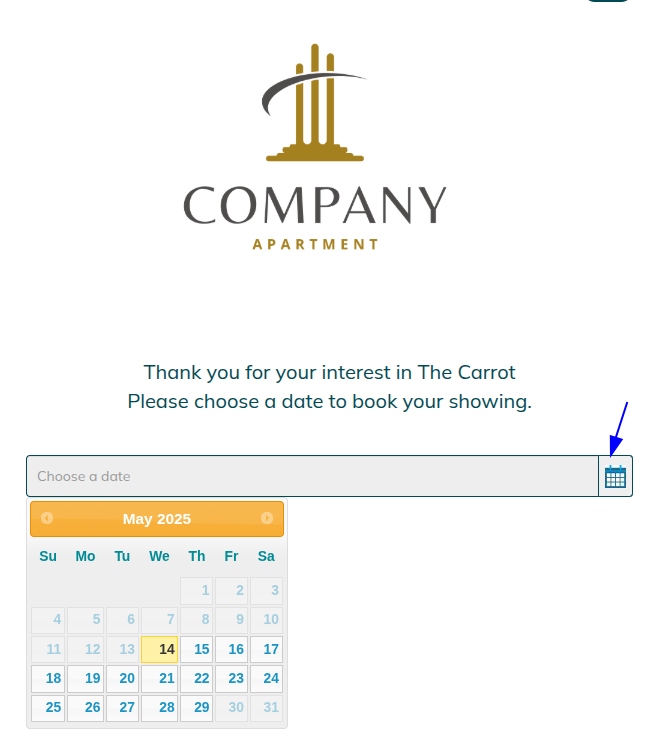
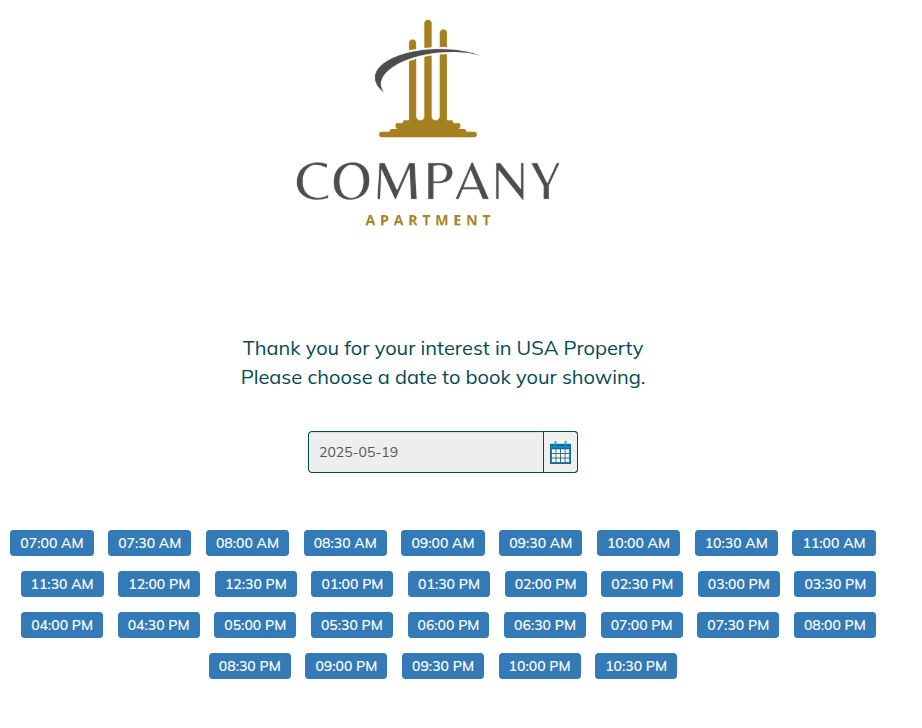
- Then pick a Time
- You will be brought to the following page to fill out your information.
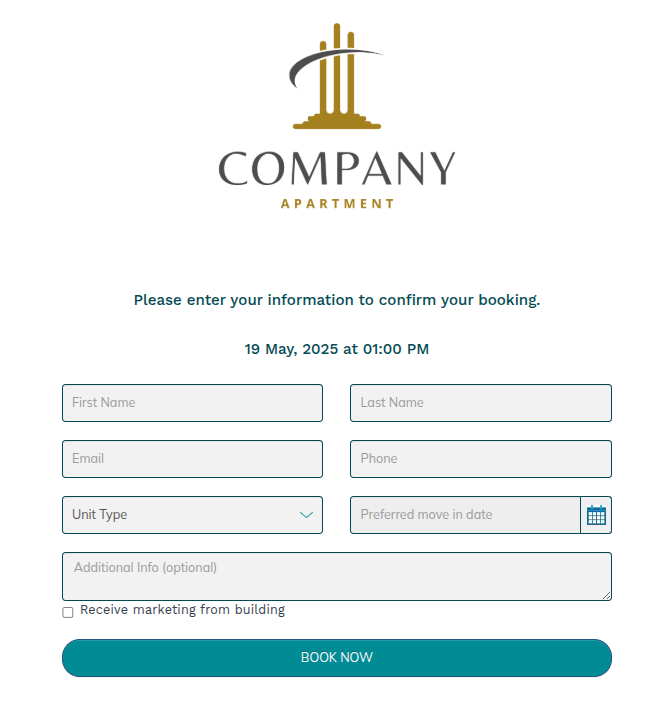
- You will receive an email and SMS confirmation.
Was this article helpful?
That’s Great!
Thank you for your feedback
Sorry! We couldn't be helpful
Thank you for your feedback
Feedback sent
We appreciate your effort and will try to fix the article