Overview:
Once you have received a message from a manager, you can view it in your Messages tab.
If the property management company has enabled it, you can reply.
The reply is only available for properties where the managers have enabled it. A tenant can always RECEIVE messages, but the reply option is not always available, depending on your property setup.
Steps:
- Log in to your tenant account
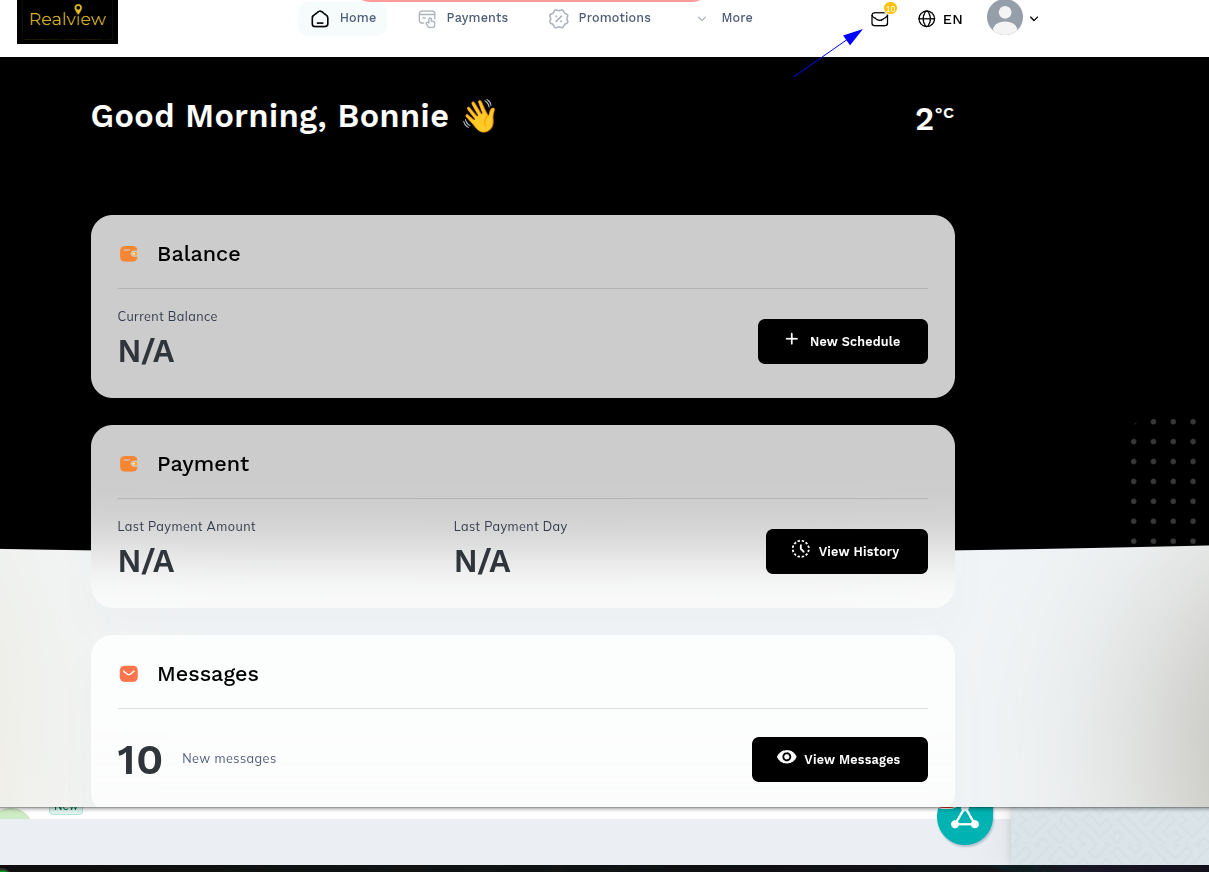
- Click on the envelope to see the messages as seen below
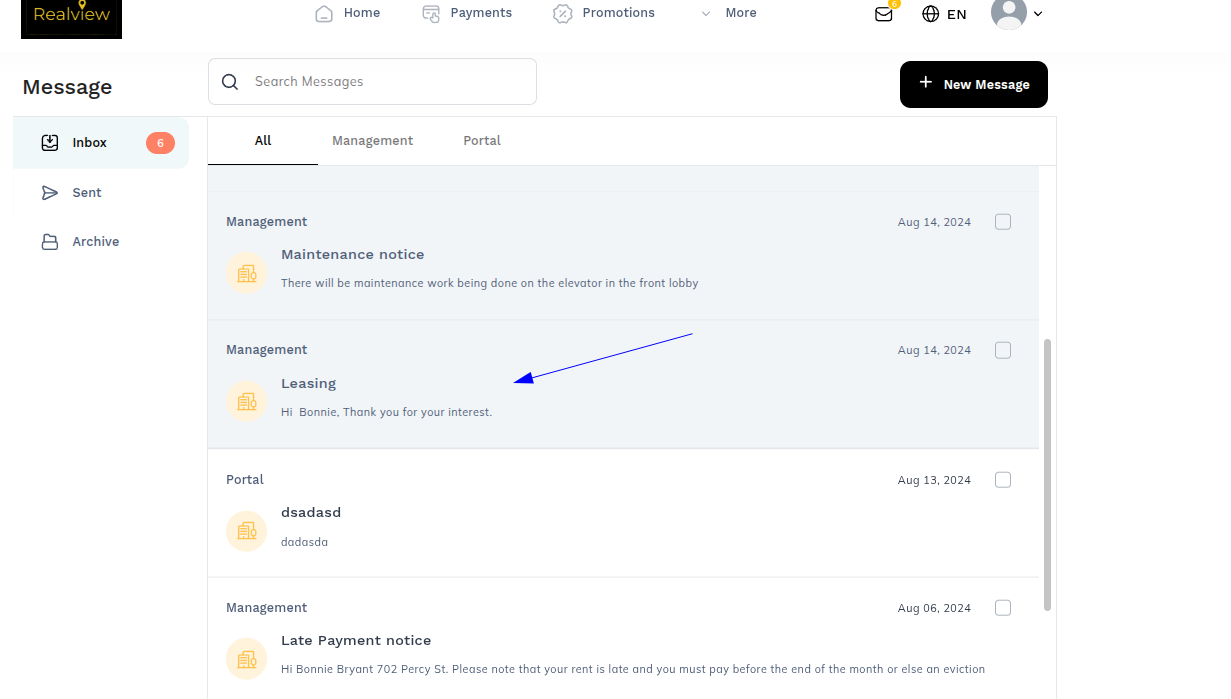
- Select the message
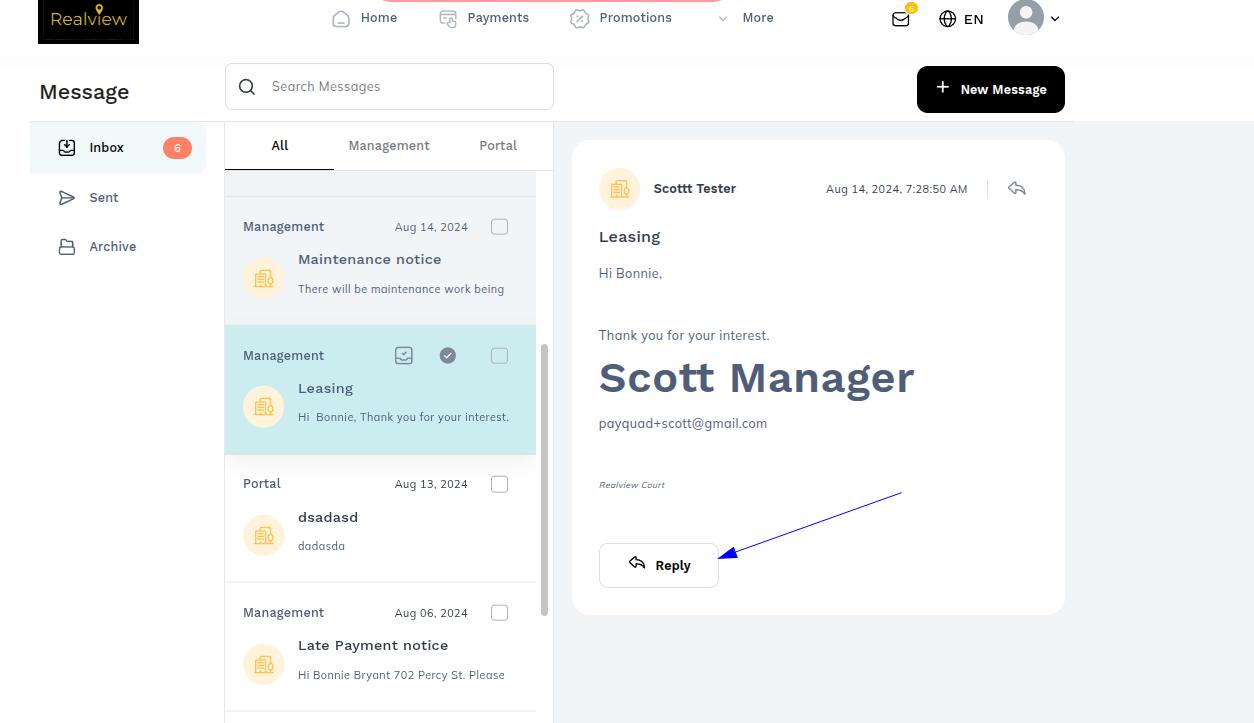
- To respond, hit the Reply button on the bottom of the page to enter your response.
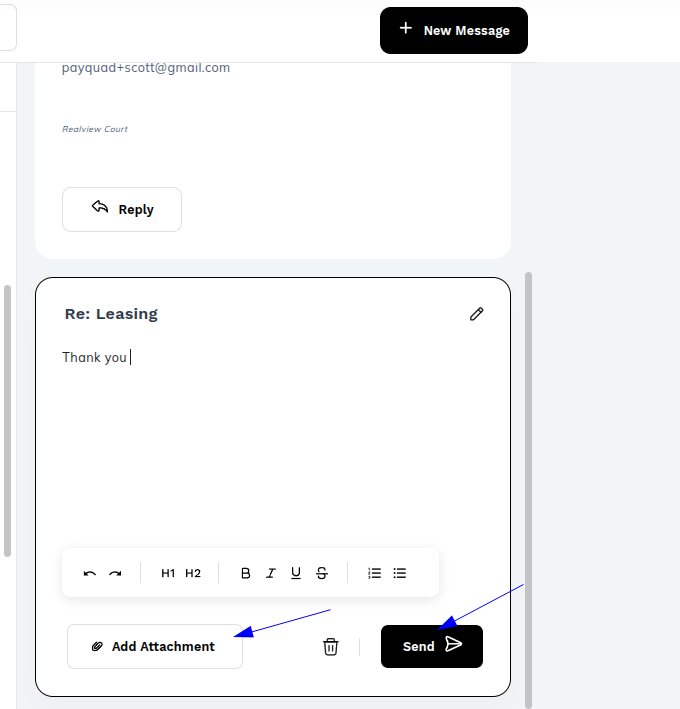
- You can type the message and add attachments as well
- Then Click Send
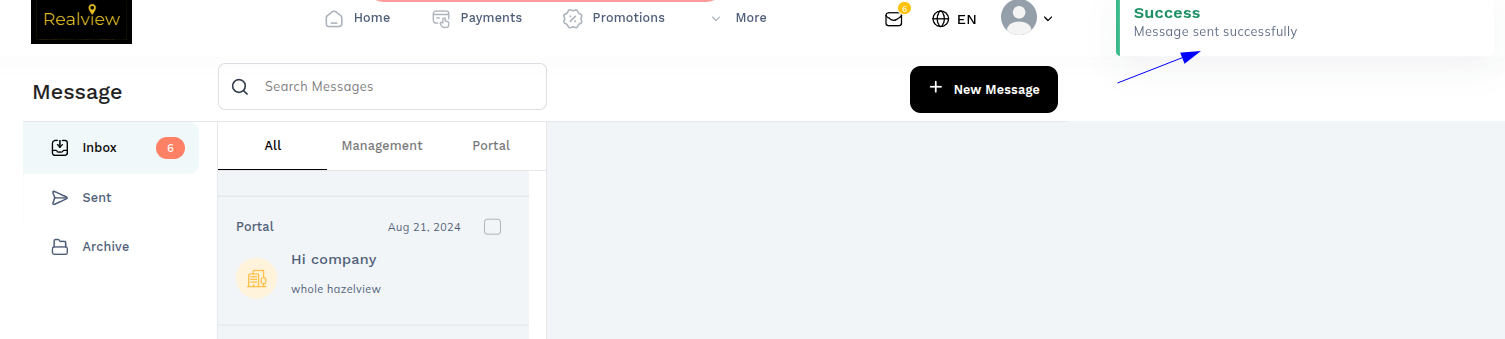
- There will be a message showing that the message was sent successfully
Was this article helpful?
That’s Great!
Thank you for your feedback
Sorry! We couldn't be helpful
Thank you for your feedback
Feedback sent
We appreciate your effort and will try to fix the article