Overview
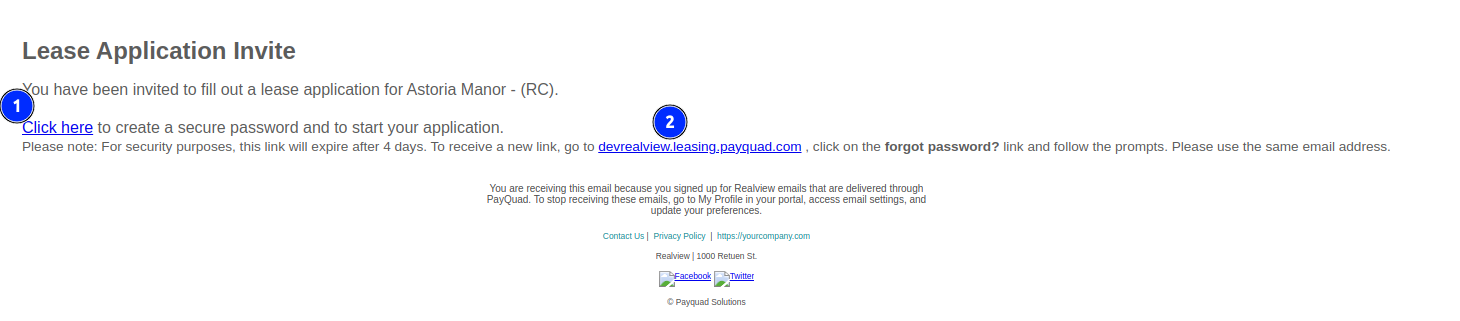
When a New Prospective Tenant/Applicant gets an invite to fill out a lease application. They will receive an email as seen below.
Steps
To create a new password and start the application
To create a new password and start the application
- Click on the link where the 1 is.
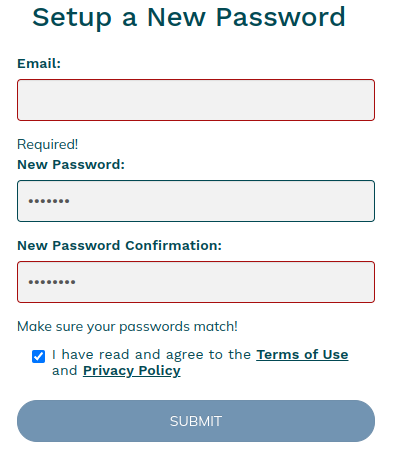
- The following form will come up to set up a new password. (The password must be minimum 6 characters)
- Enter the email used for the application and a password and accept the Terms of use
- Click Submit
To Fill out the application
- The following screen will come up and show all the lease applications connected to the account
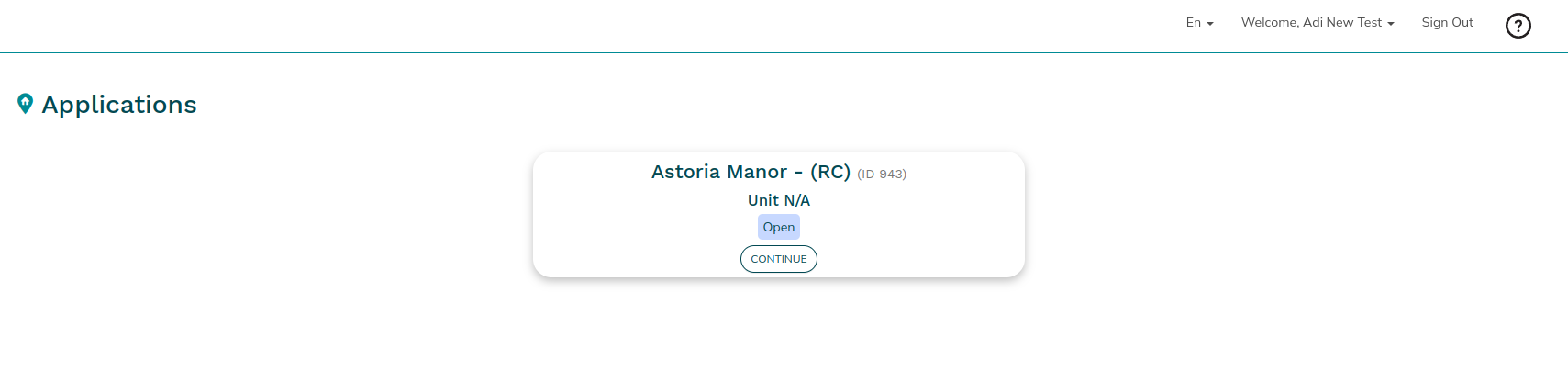
- Click Continue
- The Application will come up where the tenant can fill in all the information
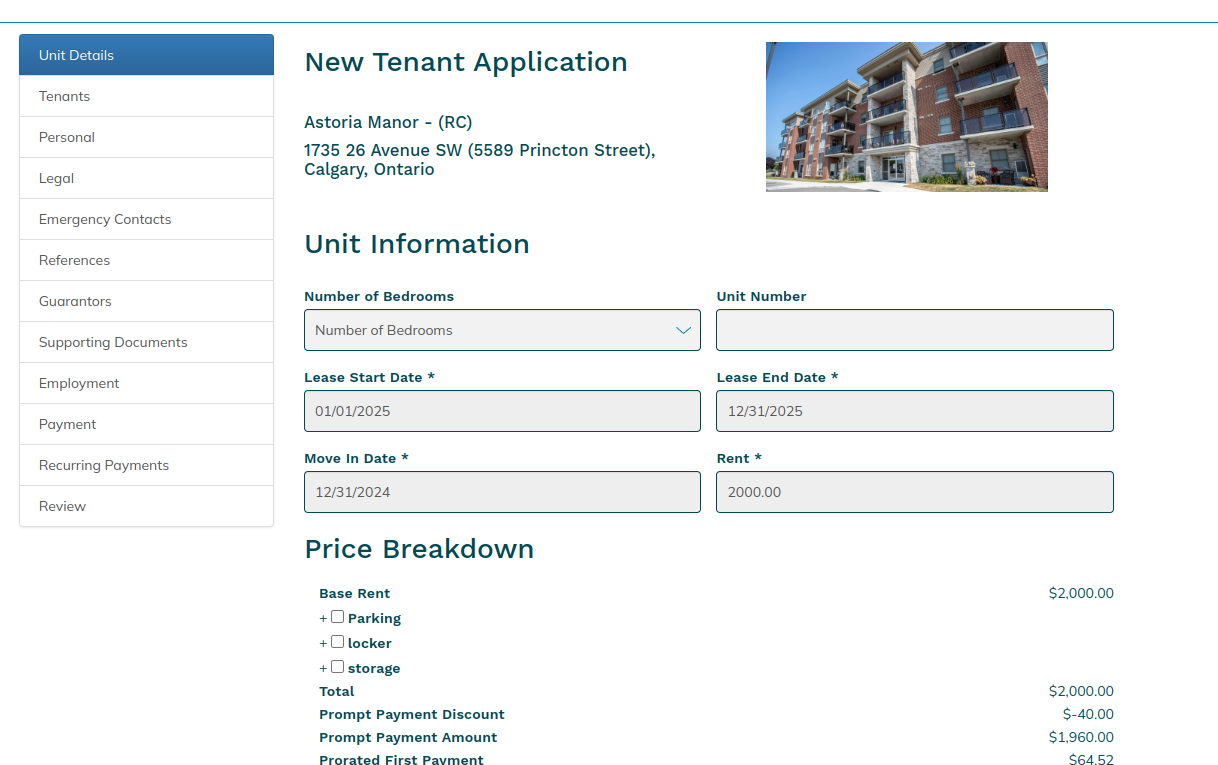
- Once the application is complete on the review screen there should be green check marks on all sections. This will indicate what is still missing from the Application.
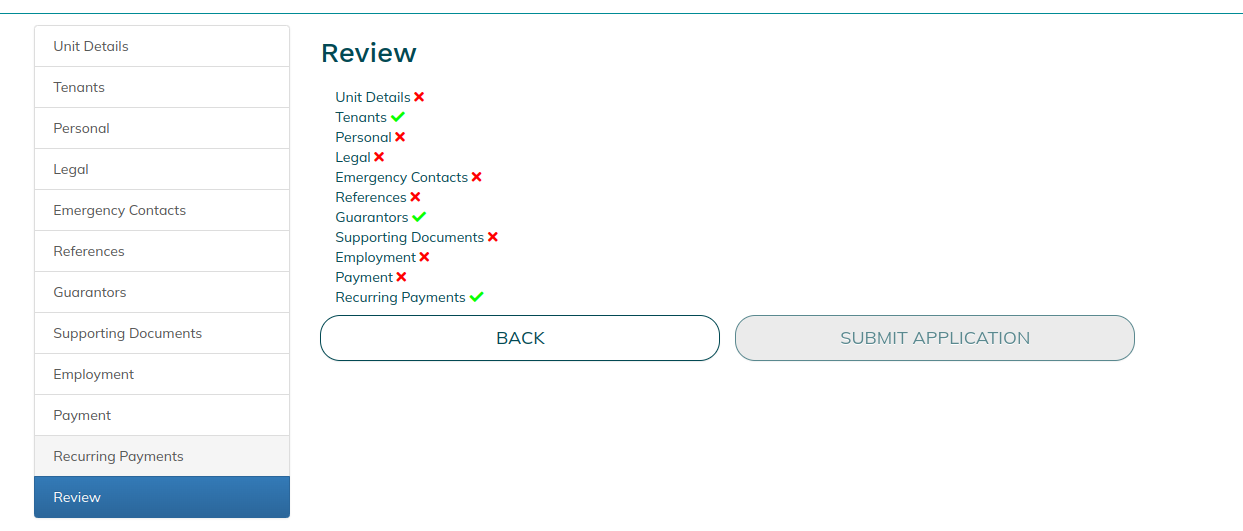
- Click Submit Application
If there are multiple applicants/co-applicants as well as guarantors, each one must log in with their own account and fill out the information needed.
Waiting on Manager Approval
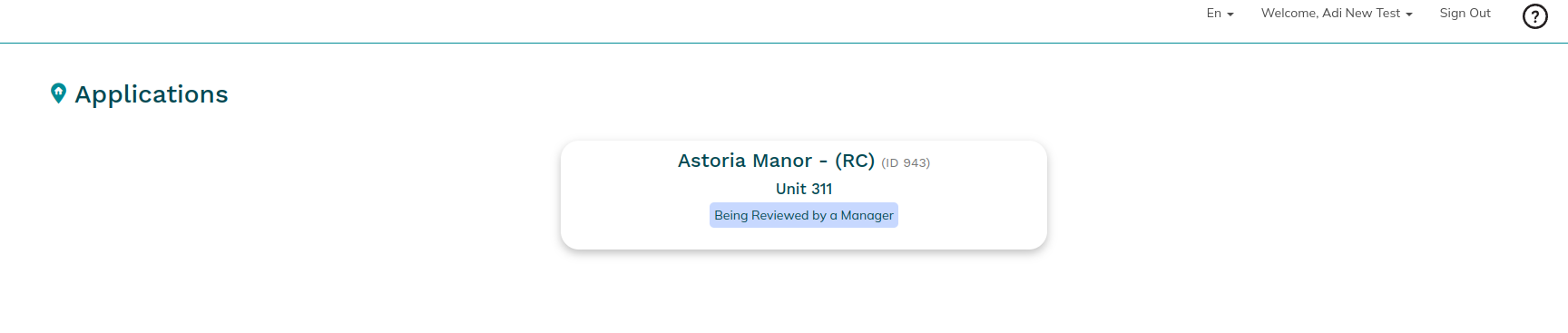
Once this is complete, the manager then needs to approve the application.
When it is in that state, when an applicant logs in, they will see the following screen.
Application Approved
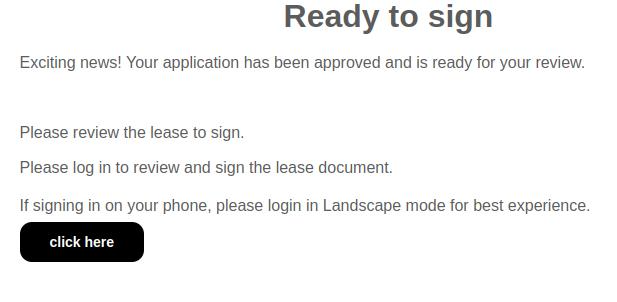
Once the application is approved, the Applicant will get an email with the following in the body of the email

Lease Created and Waiting to Be Signed
Once the Manager creates the lease, the Applicant will get an email with the following
Clicking on Click Here in the email will take the Applicant to the following screen
When the applicant logs in, they will get the following screen
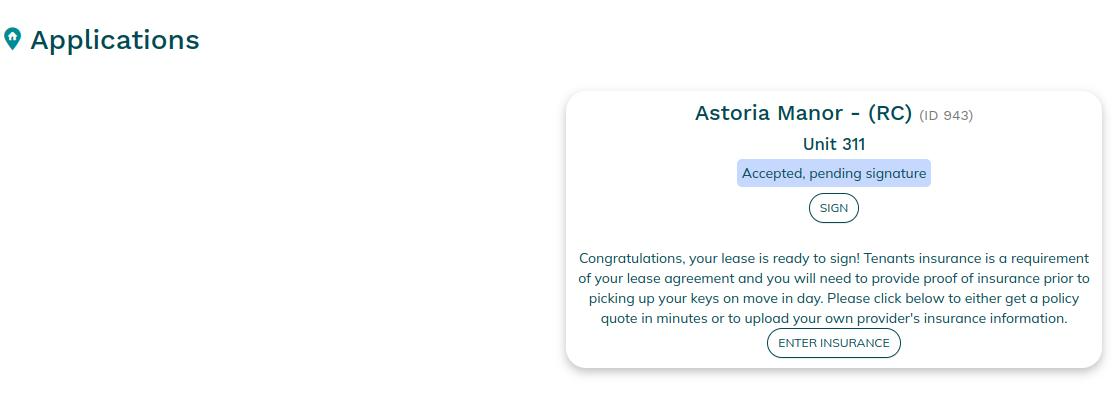
Click Sign
Tenant Insurance
From here, the Applicant can also enter Insurance
If they click on Enter Insurance, it goes to the following website
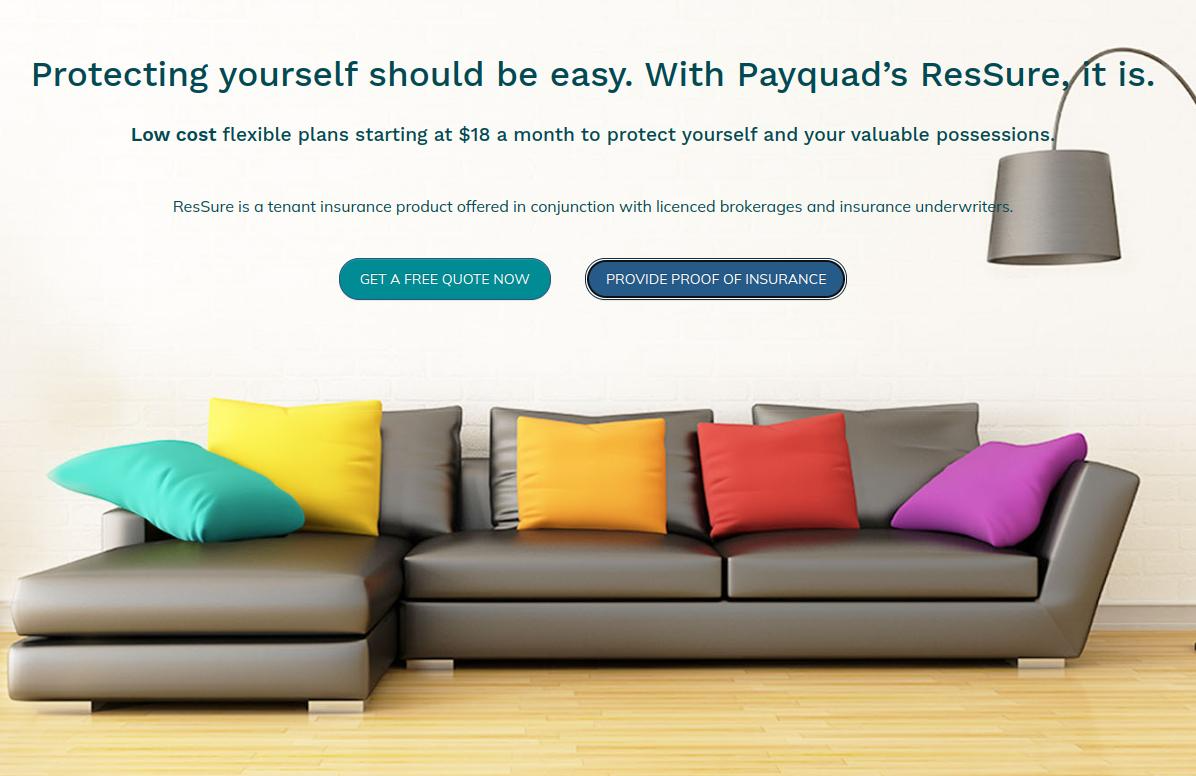
The applicant can either get a quote or provide proof of insurance
If they click Sign the following comes up.
- Click on Next Signature it will go through the lease to each place that needs to be signed.
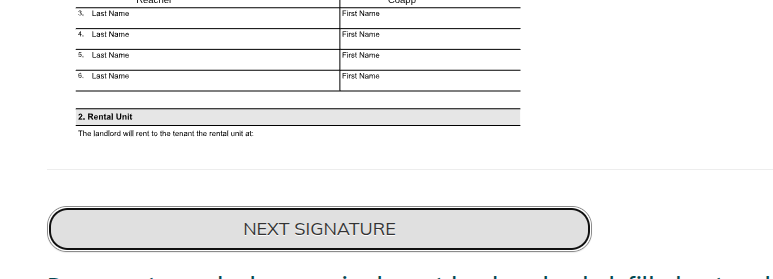
- When clicking on the box to sign, the following will pop up
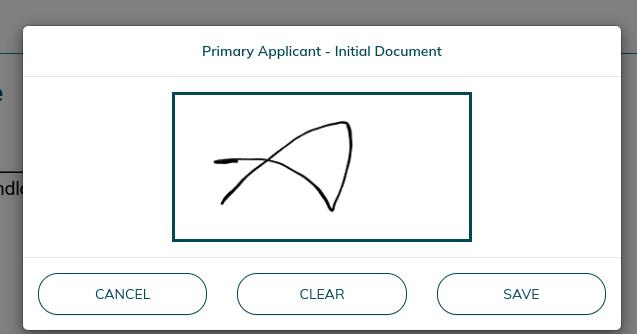
- Use the mouse to sign
- Any additional documentation necessary will also appear on this screen for the Applicant to upload.
- When all signatures are done, click Submit Signed Lease
- Each applicant must sign the lease from their own account.
- The manager can then sign the lease
Was this article helpful?
That’s Great!
Thank you for your feedback
Sorry! We couldn't be helpful
Thank you for your feedback
Feedback sent
We appreciate your effort and will try to fix the article